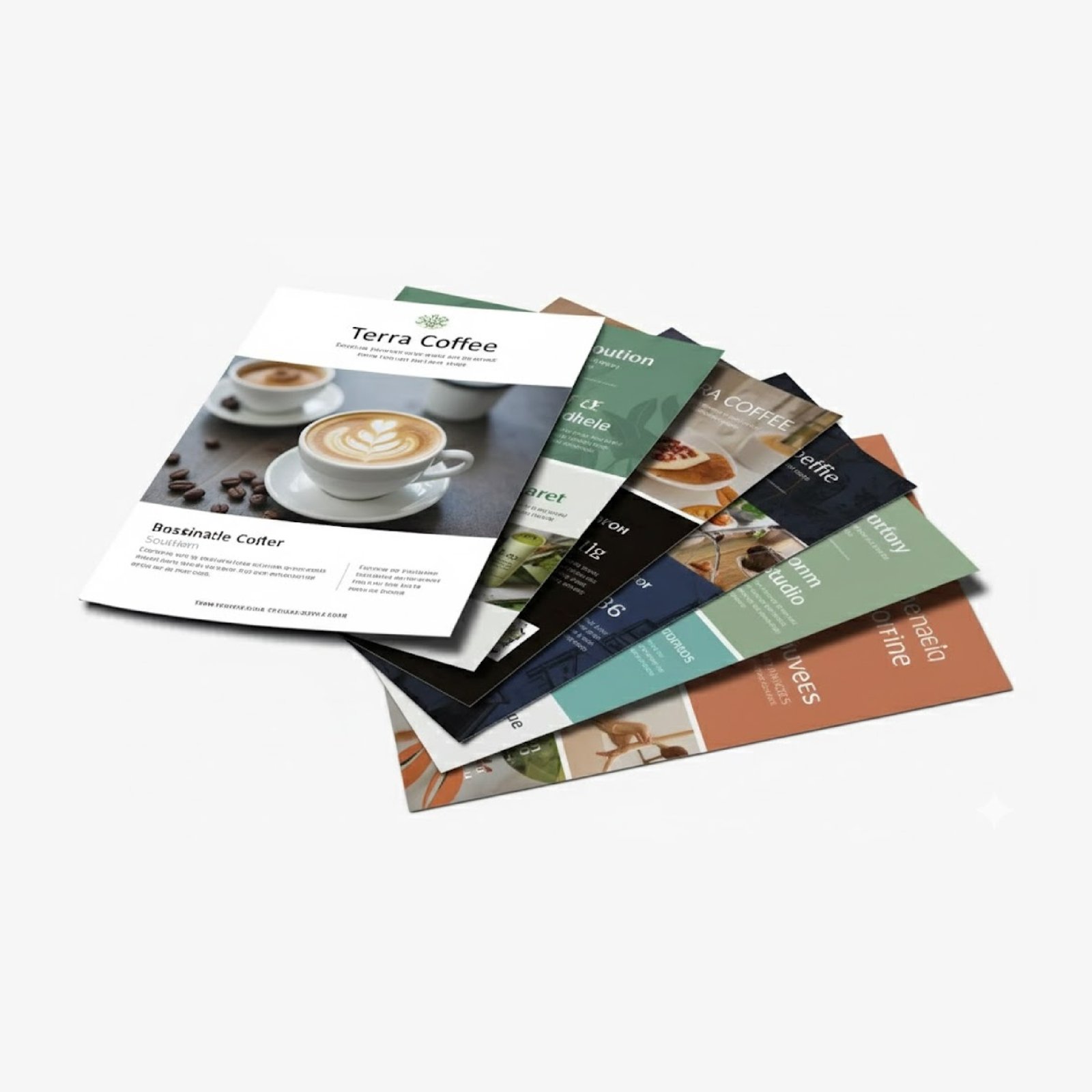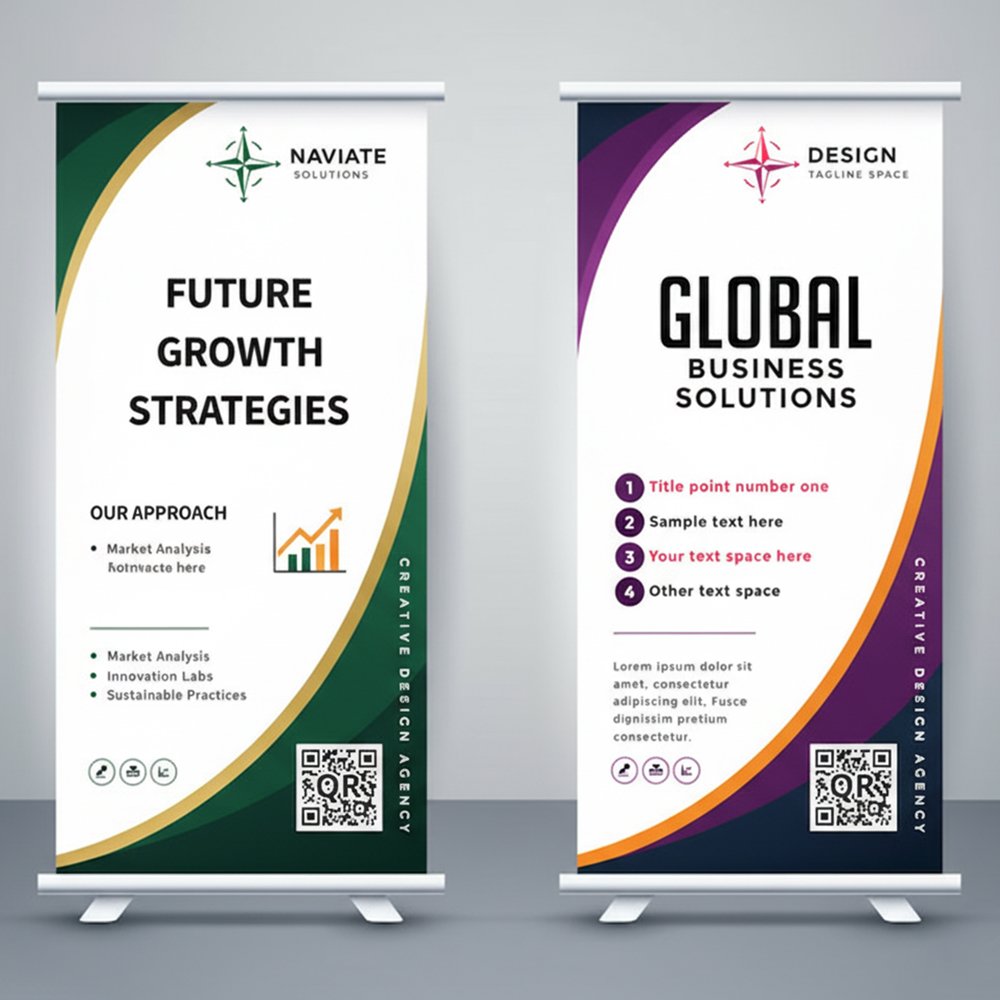
In Dubai, bilingual design isn't optional - it's expected. Arabic is the official language, but with an expat majority population, English is essential. The challenge is creating designs where both languages feel equally important, not like one is an afterthought.
I've seen too many designs where the Arabic text is clearly added last, crammed into corners, or worse - mistranslated or displayed incorrectly. Here's how to do bilingual design properly.
Understanding Arabic Script
Key Differences from English
- Direction: Arabic reads right to left (RTL)
- Connected script: Letters connect to each other
- No capitals: No uppercase/lowercase distinction
- Diacritics: Marks above/below letters (often optional in print)
- Vertical rhythm: Different than Latin scripts
Dependable Arabic English Bilingual Design Solutions Delivered Across Dubai and the UAE
Branding Blitz has earned its reputation as a dependable source for arabic english bilingual design across the UAE, combining skilled craftsmanship with modern production technology. From english quotes, we handle every project with the attention it deserves.
Orders for arabic english bilingual design ship free within Dubai and reach clients across Abu Dhabi, Sharjah, Ajman, Al Ain, RAK, and Fujairah on schedule every time. Whether you need a small batch or a large scale production run, our team is ready to deliver outstanding results. Contact us now for a personalised quote and experience the Branding Blitz difference.
Trusted Arabic English Bilingual Design Provider in Dubai, Abu Dhabi and UAE
Choosing the right partner for arabic english bilingual design can make a significant impact on your brand presence in the UAE. Our expertise covers stamp design, mug design, and cap design with production standards that consistently exceed client expectations. We handle everything from design my hoodie under one roof, saving you time and ensuring brand consistency across all materials.
Ordering arabic english bilingual design is simple whether you are based in Dubai, Abu Dhabi, or anywhere across the UAE. Send your artwork or brief via WhatsApp or email and receive a detailed quote within the hour. Production timelines are clearly communicated upfront, and our delivery network covers all Emirates including Sharjah, Ajman, Al Ain, Ras Al Khaimah, and Fujairah.
Industry Leading Arabic English Bilingual Design Solutions for Dubai and UAE Clients
When it comes to arabic english bilingual design, Branding Blitz sets standard in the UAE with a commitment to precision, speed, and customer satisfaction. Our portfolio includes mug design, cup design, and design my hoodie, each produced using industry grade equipment and carefully sourced materials.
Our arabic english bilingual design reach clients throughout Dubai, Abu Dhabi, Sharjah, Al Ain, Ajman, RAK, and Fujairah with dependable delivery schedules. Dubai orders qualify for free shipping, and rush production is available for time sensitive projects. Speak with our specialists today for expert guidance and a tailored quotation.
Common Technical Errors
- Letters displaying disconnected (not joining)
- Text displaying left to right instead of right to left
- Letters in wrong order or reversed
- Wrong font substitution
Cause: Usually software or font issues. Always test with native speaker.
Layout Approaches
Side by Side
Languages placed next to each other - Arabic on right, English on left.
Best for: Brochures, menus, forms, signage
Pros: Equal prominence, easy comparison
Cons: Needs more horizontal space
Stacked
One language above other. Typically Arabic above English.
Best for: Posters, business cards, narrow formats
Pros: Works in any width
Cons: One language inevitably looks secondary
Flip Book
Arabic on one side/half, English on the other. Often used for booklets.
Best for: Brochures, catalogs, instruction manuals
Pros: Full attention to each language
Cons: Readers need to flip/turn
Mirror Layout
Same design, mirrored for each language. Arabic version is RTL mirror of English.
Best for: Websites, apps, multi page documents
Pros: Authentic experience in each language
Cons: More design work
Typography Guidelines
Font Selection
- Choose fonts designed for Arabic, not Latin fonts with Arabic support added
- Match visual weight between Arabic and English fonts
- Consider readability at all sizes
- Test extensively before printing
Recommended Arabic Fonts
Size Considerations
- Arabic text often needs to be slightly larger than English for equal readability
- Line height requirements differ - Arabic may need more vertical space
- Test at actual print size, not on screen
Translation Quality
Poor translation undermines even best design.
Do
- Use professional translators
- Have native speakers review
- Provide context for translators
- Consider cultural nuances
- Test with target audience
Don't
- Use Google Translate for final copy
- Assume direct translation works
- Skip proofreading
- Ignore dialect differences
- Rush translation process
Application Specific Tips
Business Cards
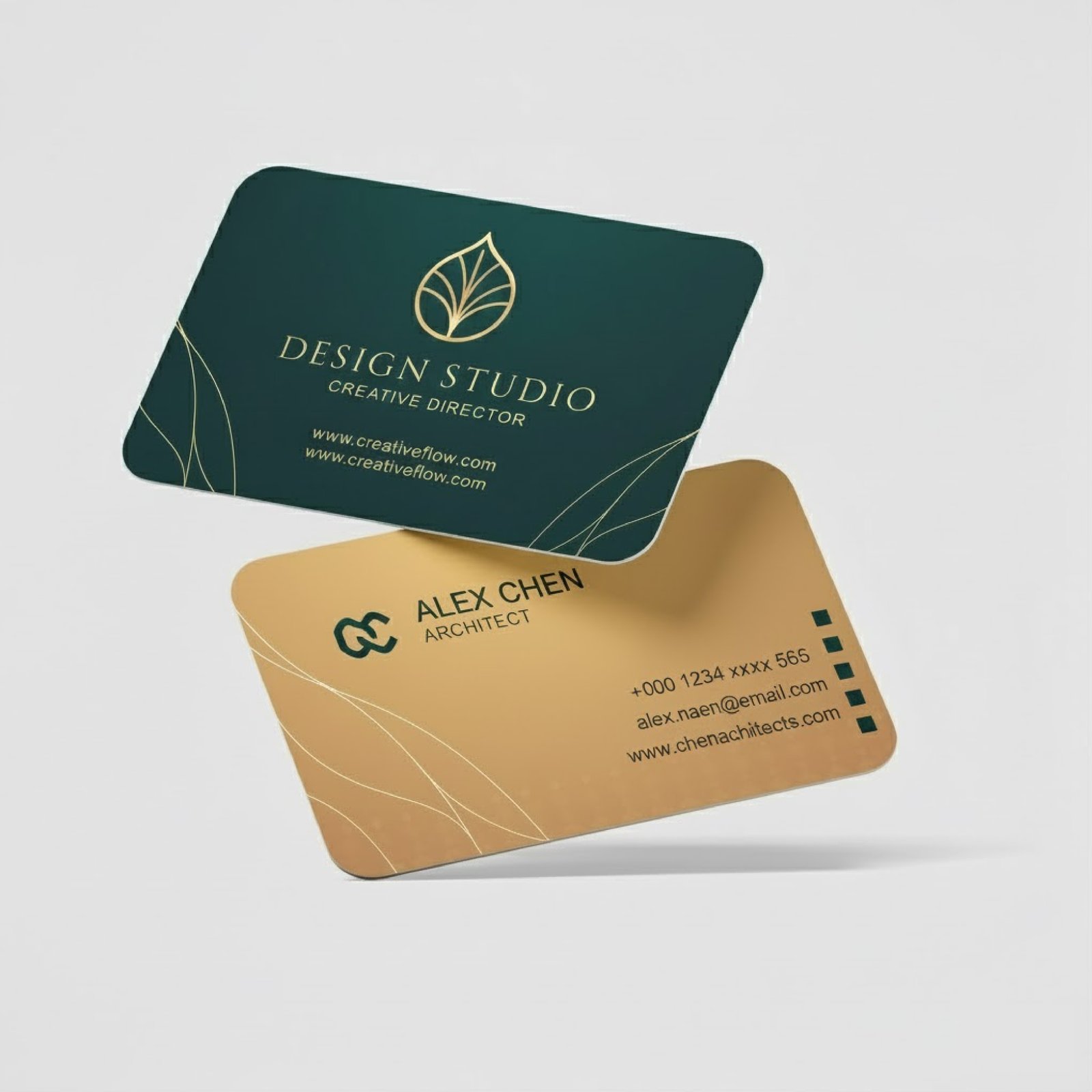
- Often printed double sided: English one side, Arabic other
- Alternative: horizontal split with Arabic right, English left
- Name transliteration needs care (how to spell English names in Arabic)
Menus
- Side by side layout works well
- Prices only need to appear once
- Food names may not translate - consider transliteration or description
Signage
- Arabic typically above English in stacked layouts
- Legal requirements may specify minimum Arabic text size
- Test readability from intended viewing distance
Brochures
- Flip book format popular - Arabic opens from right, English from left
- Consider which audience is primary
- Maintain design consistency across both versions
Legal Requirements
Some materials require Arabic by law in the UAE:
- Product packaging (consumer goods)
- Official documents and contracts
- Public signage in many contexts
- Safety information
- Menus (Dubai Municipality requirement)
Check specific requirements for your industry and material type.
Design Workflow
- Design in both languages simultaneously - Don't finish English then add Arabic
- Get content translated early - Arabic text length affects layout
- Build flexible layouts - Arabic text is often 20 to 30% longer than English
- Review with native speakers - Both languages, before final
- Print proofs in both languages - Check rendering issues
Common Mistakes to Avoid
- Arabic as afterthought - Clearly squeezed in after English design was finalized
- Wrong text direction - Arabic displaying left to right
- Disconnected letters - Letters not joining properly
- Mixing fonts - Arabic and English fonts that don't match
- Ignoring white space - Cramming Arabic into tight spaces
- Translation errors - Embarrassing or confusing mistakes
- Different visual importance - One language clearly primary
Testing Checklist
- ? Arabic text displays right to left
- ? Letters connect properly
- ? No reversed or jumbled text
- ? Translations reviewed by native speaker
- ? Visual balance between languages
- ? Both languages readable at print size
- ? Fonts render correctly in print
- ? Layout works when text length varies
Ready to get started?
Look, we've been in this business long enough to know what works and what doesn't. If you're not sure where to begin, just give us a call. No pressure, no sales pitch - we'll walk you through the options and give you an honest quote.
What you get with us:
- Straight answers about what you actually need (not what costs most)
- Fair pricing - we'll tell you how to save money where it makes sense
- Quick turnaround when you need it, or save by planning ahead
Need Bilingual Design?
We design Arabic English materials with proper typography and layout. Native speaker review included.
Get Your Quote+971 56 978 6395
Atiya Naaz
Marketing Head, Branding Blitz
Atiya brings five years of hands on experience in the UAE printing and branding industry. Based in Abu Dhabi, she leads marketing team at Branding Blitz, helping businesses across Dubai, Abu Dhabi, Sharjah, and all emirates find right print solutions for their branding needs. Her expertise spans corporate identity materials, exhibition printing, packaging design, and digital marketing strategy for the regional market.
Related resources: Explore our complete business card printing in the UAE, dedicated corporate stationery printing, and detailed brochure and book printing pages for full specifications, pricing tiers, and design options across the UAE market.