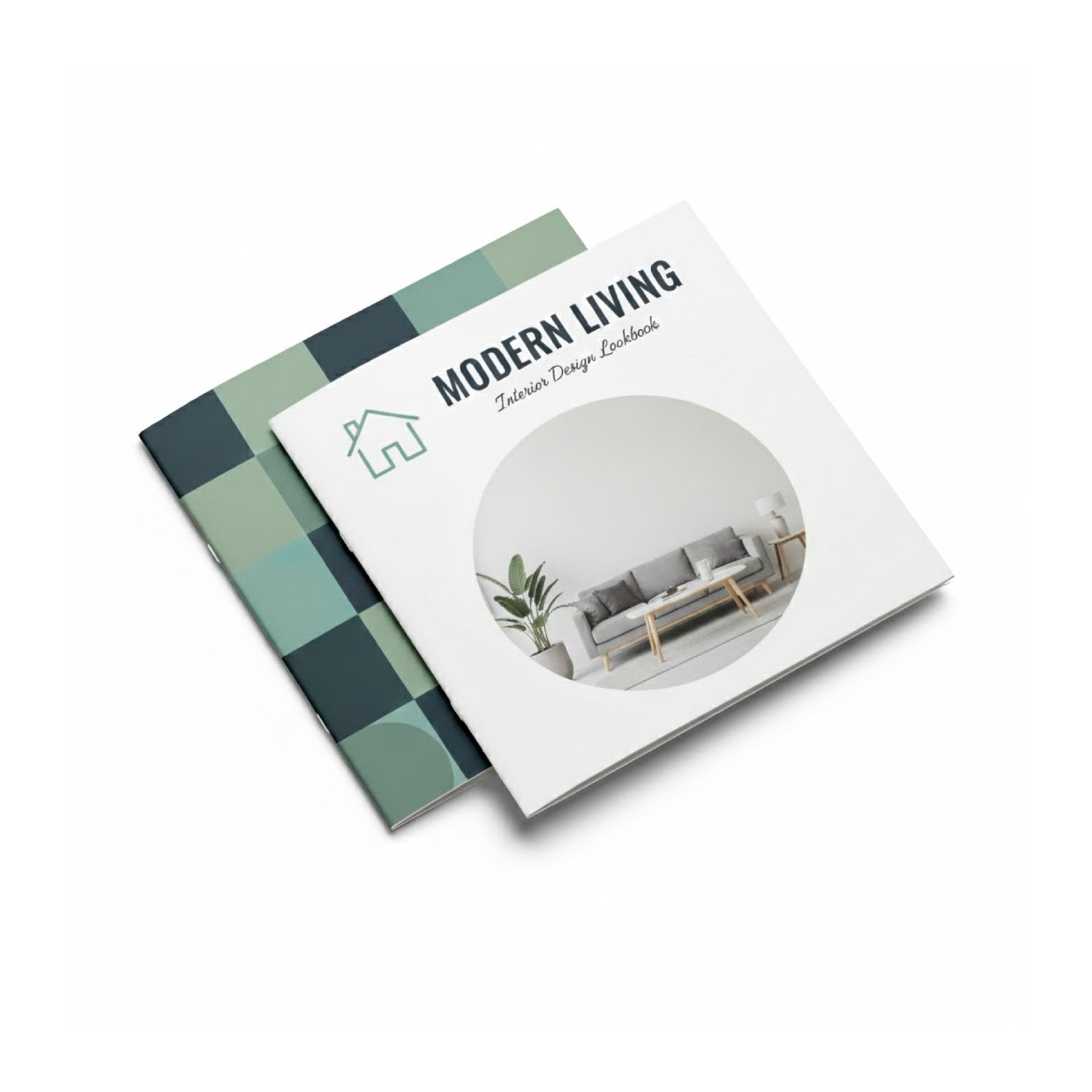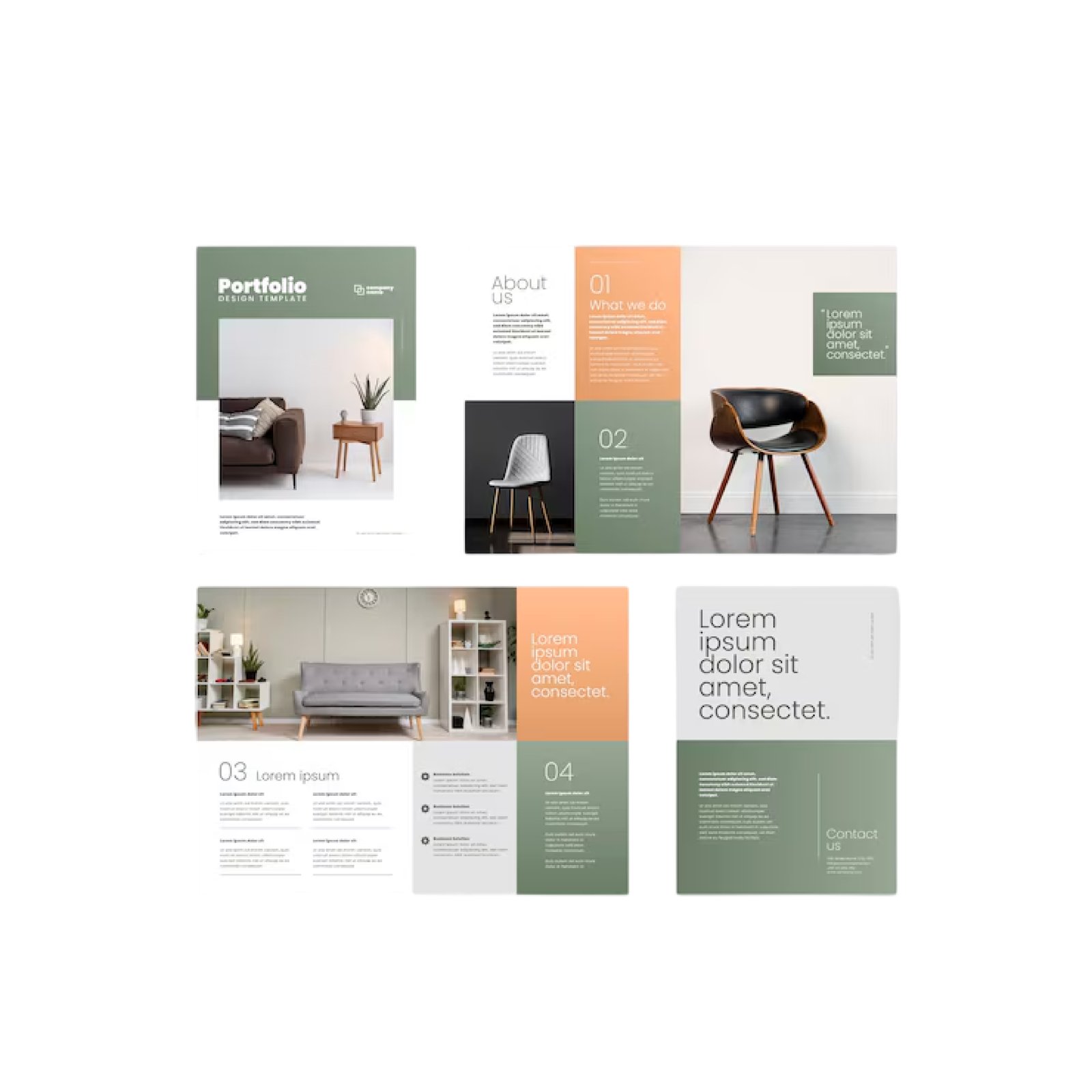
A few weeks ago, a client walked in with a brochure from their competitor. "I want exactly this," she said, "but better."
I asked what she liked about it. She pointed to the paper quality. The fold. The colors. But when I asked about the content - what it actually said - she couldn't remember. She'd picked it up at an exhibition a week earlier.
That's the thing about brochures. People remember how they feel, not necessarily what they say. A great brochure combines both: solid content presented beautifully.
This guide covers everything from choosing the right fold to avoiding the mistakes we see businesses make over and over again.
Choosing the Right Fold Type
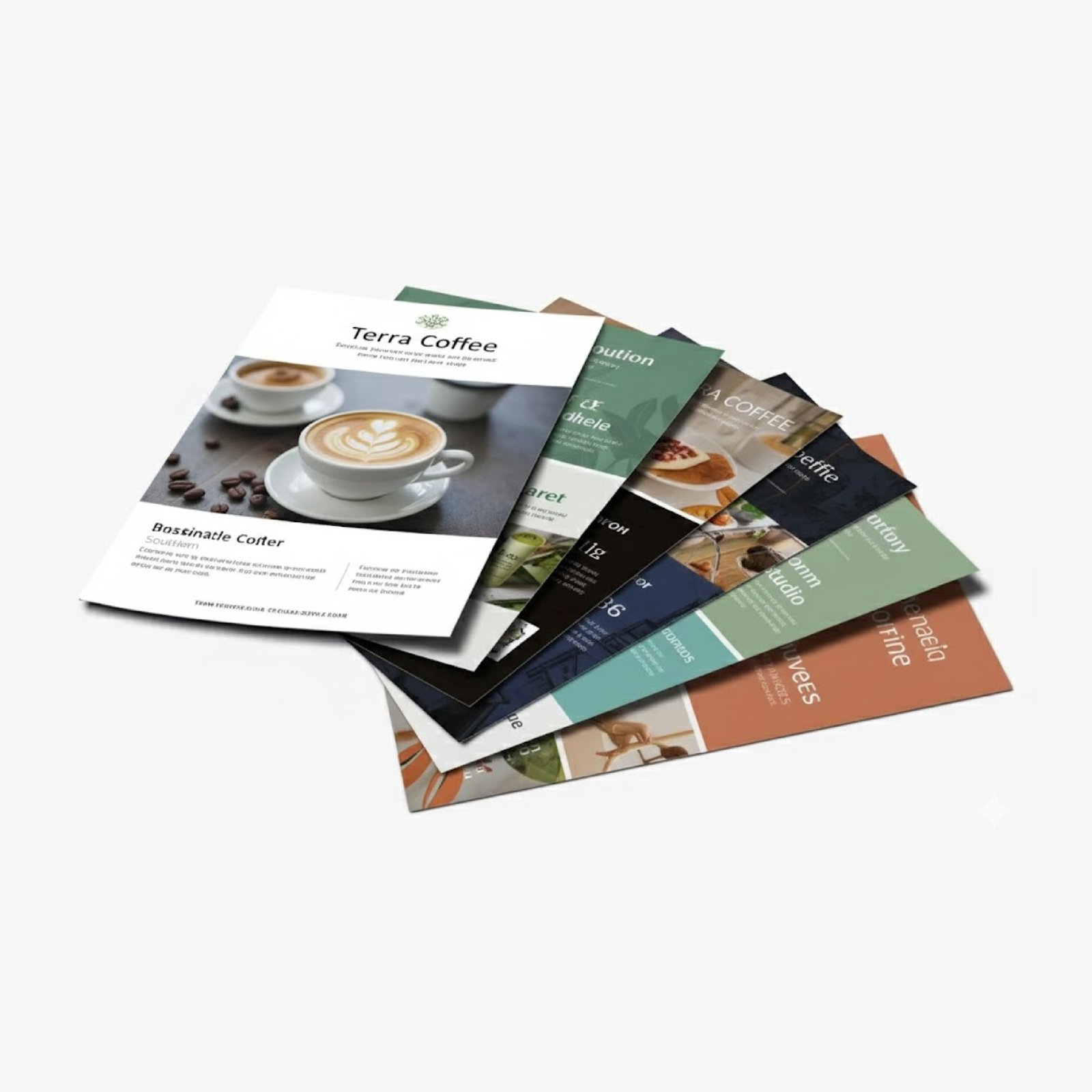
Brochures come in more fold variations than most people realize. Here are the ones we print most often:
Bi-Fold (Single Fold)
One fold down the middle. Four panels total. The simplest option and still very popular.
Best for: Company overviews, product catalogs (with fewer products), event programs, menus
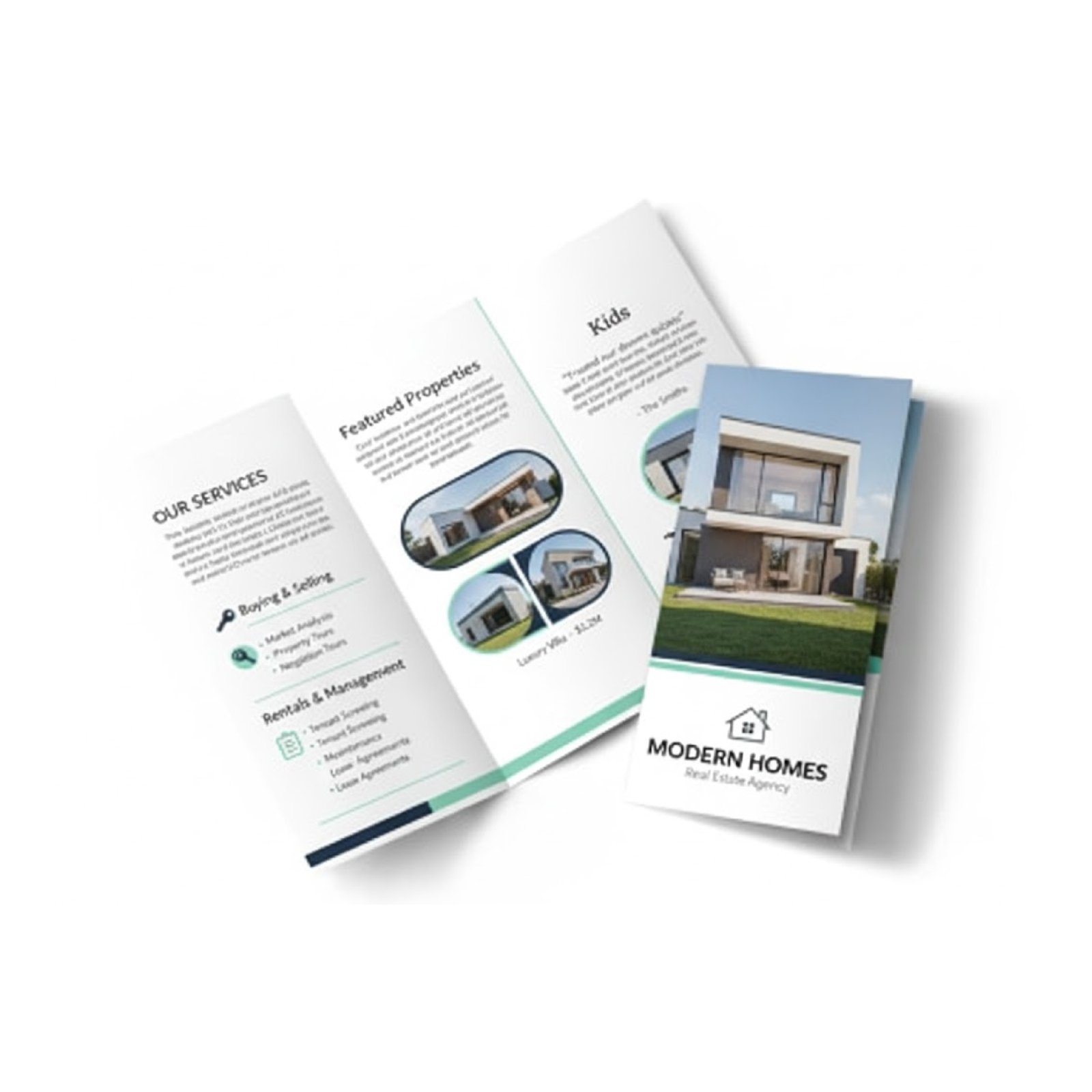
Tri-Fold (Letter Fold)
Two folds creating three panels. This is the "classic" brochure most people picture. Fits in a standard #10 envelope.
Best for: Service descriptions, real estate listings, restaurant takeaway menus, general marketing materials
Z-Fold (Accordion)
Folds like an accordion - each fold goes the opposite direction. Opens to reveal all content at once.
Best for: Timelines or step-by-step processes, maps and guides, visual storytelling, when you want a "reveal" effect
Gate Fold
Two side panels fold inward to meet in the middle. Opens like gates to reveal a large center spread.
Best for: Premium presentations, product launches, dramatic reveals, photography showcases
Roll Fold (Barrel Fold)
Each panel rolls into the next. Creates a nice sequential experience.
Best for: Step-by-step instructions, multi-service businesses, complex information broken into stages
How to Choose?
Ask yourself:
- How much content do I have? More content = more panels needed
- How will people receive it? Mail = needs to fit envelope. Hand-out = any size works.
- What's the budget? Complex folds cost more
- What's the goal? Premium impression vs. informational
Paper and Finish Options
Paper choice affects how your brochure feels, looks, and lasts.
Paper Weight
| GSM | Feel | Best For |
|---|---|---|
| 130 GSM | Lightweight, folds easily | High-volume handouts |
| 170 GSM | Good balance, our most popular | Most brochures |
| 200 GSM | Premium feel, still folds well | Corporate brochures |
| 250 GSM | Thick, almost card-like | Bi-folds, needs scoring |
| 300+ GSM | Very thick | Bi-folds only, requires scoring |
Our recommendation: 170 GSM for most brochures. 200 GSM if you want a more premium feel.
Paper Finish
- Gloss - Shiny, colors pop. Shows fingerprints. Good for photo-heavy designs.
- Matte - Non-reflective, elegant. Easier to read text. Our clients prefer this for most business brochures.
- Silk - Between gloss and matte. Slight sheen without full gloss reflection.
- Uncoated - Natural paper texture. Feels more "eco-friendly." Colors appear more muted.
Lamination (Optional)
Lamination adds a protective plastic layer:
- Gloss lamination - Extra shine, very durable
- Matte lamination - Soft feel, sophisticated look
- Soft-touch lamination - Velvety texture. Premium option.
Lamination isn't always necessary, but for brochures that will be handled a lot (reception areas, trade shows), it helps them last longer.
Content Structure That Works
The most common mistake? Trying to say everything. A brochure isn't a website - you can't fit all your information. Focus on the essentials.
For a Tri-Fold Brochure:
Front Panel (Cover):
- Company logo
- Compelling headline or tagline
- One strong image
- Maybe a teaser question
Inside Three Panels:
- Who you are (brief - 2-3 sentences)
- What you offer (your main services/products)
- Why choose you (your differentiators)
- Social proof if space allows (awards, client logos, testimonials)
Back Panel:
- Full contact information
- Map or directions (optional)
- QR code to website
- Social media handles
- Clear call-to-action
- Lead with benefits, not features. Not "we have 10 years experience" but "we get your project done right the first time"
- Use bullet points liberally. Nobody reads paragraphs in brochures.
- Include a call-to-action. What should they do next?
- Keep text short. If you can't say it in 3 sentences, you're saying too much.
Design Guidelines
Do:
- Use high-resolution images (300 DPI minimum)
- Leave breathing room - white space is your friend
- Maintain consistent branding - fonts, colors, style throughout
- Consider the fold - important info shouldn't be split across folds
- Make contact info easy to find
Don't:
- Use more than 2-3 fonts - looks chaotic
- Put text too close to edges - printing has margins
- Use tiny fonts - 9pt absolute minimum, 10-11pt preferred
- Place important elements in the fold area - they get lost or distorted
- Cram in too much content - if it feels crowded, cut something
Common Mistakes We See
Mistake #1: Wrong panel orientation
People design tri-folds as if all panels are the same size. They're not. The panel that folds inside needs to be slightly narrower (about 3mm). Tell your designer, or use our templates.
Mistake #2: Ignoring the back panel
The back panel is often the first thing people see (if it's lying flat on a table). Make it count. Don't just stick "Printed in UAE" there.
Mistake #3: Low-resolution images
Those images from your website? Probably only 72 DPI. They'll look terrible printed. You need at least 300 DPI at actual print size.
Mistake #4: No clear hierarchy
If everything is bold, nothing is bold. Create visual priority - what should they read first, second, third?
Mistake #5: Forgetting to proofread
We've seen phone numbers with wrong digits, email addresses with typos, and company names spelled wrong. On 5,000 brochures. Always triple-check.
Pricing Expectations (UAE)
Rough pricing for tri-fold brochures (A4 folded to DL size) across Dubai, Abu Dhabi, and Al Ain:
| Quantity | Price Range |
|---|---|
| 500 brochures | contact us for pricing |
| 1,000 brochures | contact us for pricing |
| 2,500 brochures | contact us for pricing |
| 5,000 brochures | contact us for pricing |
Pricing varies based on paper weight, finish, and any special treatments (spot UV, foil, etc.).
Production Time
- Standard brochures: 3-5 working days
- Brochures with special finishes: 5-7 working days
- Rush orders: Available with premium
Always confirm lead times before designing around a deadline.
Final Checklist Before Printing
- PDF format, high resolution
- 3mm bleed on all sides
- Correct panel sizes (especially the fold-in panel)
- CMYK color mode (not RGB)
- All text converted to outlines (or fonts embedded)
- Images at 300 DPI
- Contact information triple-checked
- Spelling and grammar reviewed by someone else
Common questions we get
"How long does it take?" - Depends on what you need. Standard orders: 3-5 days. Rush jobs: we can often do 24-48 hours.
"Can you help with the design?" - Yes. Bring your ideas, or we can create something from scratch.
"What if I'm on a tight budget?" - We'll find options that work. There's almost always a way to get good results without breaking the bank.
Need Brochures Printed in the UAE?
We print all fold types with quality paper and finishes across Dubai, Abu Dhabi, and Al Ain. Templates available if you need them.
Get a Quote+971 56 978 6395